Skip to content

The counter · Windows app

A till that stays open.

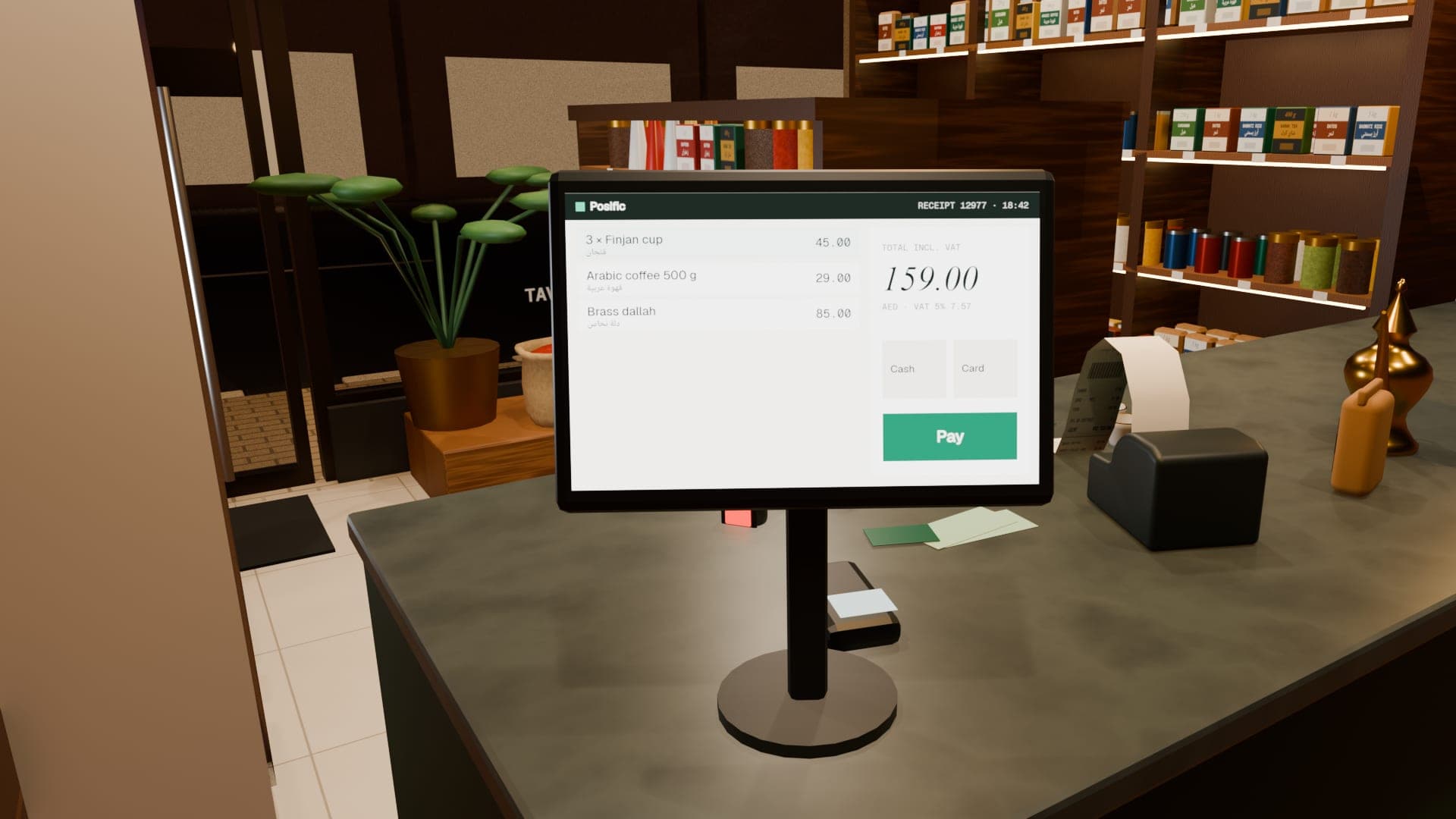
Posific for Windows gives the counter its own app: the full Posific workspace, native receipt printing, automatic updates, and a local register that keeps taking pickup orders when the internet doesn't.

POSIFIC FOR WINDOWSCOUNTER PC
  • WORKSPACEONLINE
  • LOCAL REGISTERREADY
  • SNAPSHOTREFRESHED 09:02
  • PRINTER80 MM THERMAL
  • UPDATE CHECKEVERY 6 H
  • NEW VERSIONDOWNLOADED
  • RESTART & UPDATEWHEN YOU'RE READY

Windows 10 or later · 64-bit

Same
Screens as the web workspace
Offline
Local pickup register
A4 · 80 · 58
Native printing with preview
6 h
Between automatic update checks

01 · The whole workspace

Everything, in its own window.

Sign in once and the Windows app opens the same Posific workspace you use in a browser: the till, stock, customers, the books. Your account, your data and your permissions are the same everywhere.

  • The full Posific workspace
  • Same sign-in and permissions
  • Zoom controls for any screen

02 · Local register

The internet dropped. The queue didn't.

Prepare the local register while you're online and it keeps a snapshot of your products and customers on the PC. If the connection goes, keep taking pickup orders; when it comes back, they sync to your workspace and get their official invoice numbers.

  • Pickup orders while offline
  • Encrypted on the PC
  • Synced and checked when back online
How offline selling works

03 · Printing

A preview, then the right paper.

Print from a proper preview: choose any printer installed in Windows, A4, 80 mm or 58 mm paper, and how many copies, or save the exact page as a PDF. Ctrl+P works from the till and the local register, and your choice is remembered on that computer.

  • Any installed Windows printer
  • A4 · 80 mm · 58 mm
  • Copies and PDF
  • Remembered per computer

04 · Updates

Updates that wait for you.

The app checks for updates when it starts and every six hours, and downloads them in the background. Nothing restarts mid-sale: choose Restart & update when you're ready, and it won't restart while a basket is open or orders are syncing.

  • Automatic checks and downloads
  • Restart when you choose
  • Blocked while work is unsaved
TOMORROW

Beyond the counter.

See it in the life of a sale

Honest print

Good to know.

A new publisher to Windows

Posific for Windows is new, so Windows may ask you to confirm the first installation. After that, updates install through the app.

FAQ

Questions, answered.

What do I need to run Posific for Windows?

A PC running 64-bit Windows 10 or later, a Posific account, and an internet connection to sign in and prepare the local register.

Does it cost extra?

No. The Windows app comes with your Posific account.

How does it update?

It checks for updates at start-up and every six hours, downloads them in the background and asks you to choose Restart & update when it suits you.

Total · your day, done

Ring up your first sale today.

Creating an account is free. Set up your products and see a sale travel from the till to the books.