Skip to content

The counter · Hardware

Bring the hardware you already have.

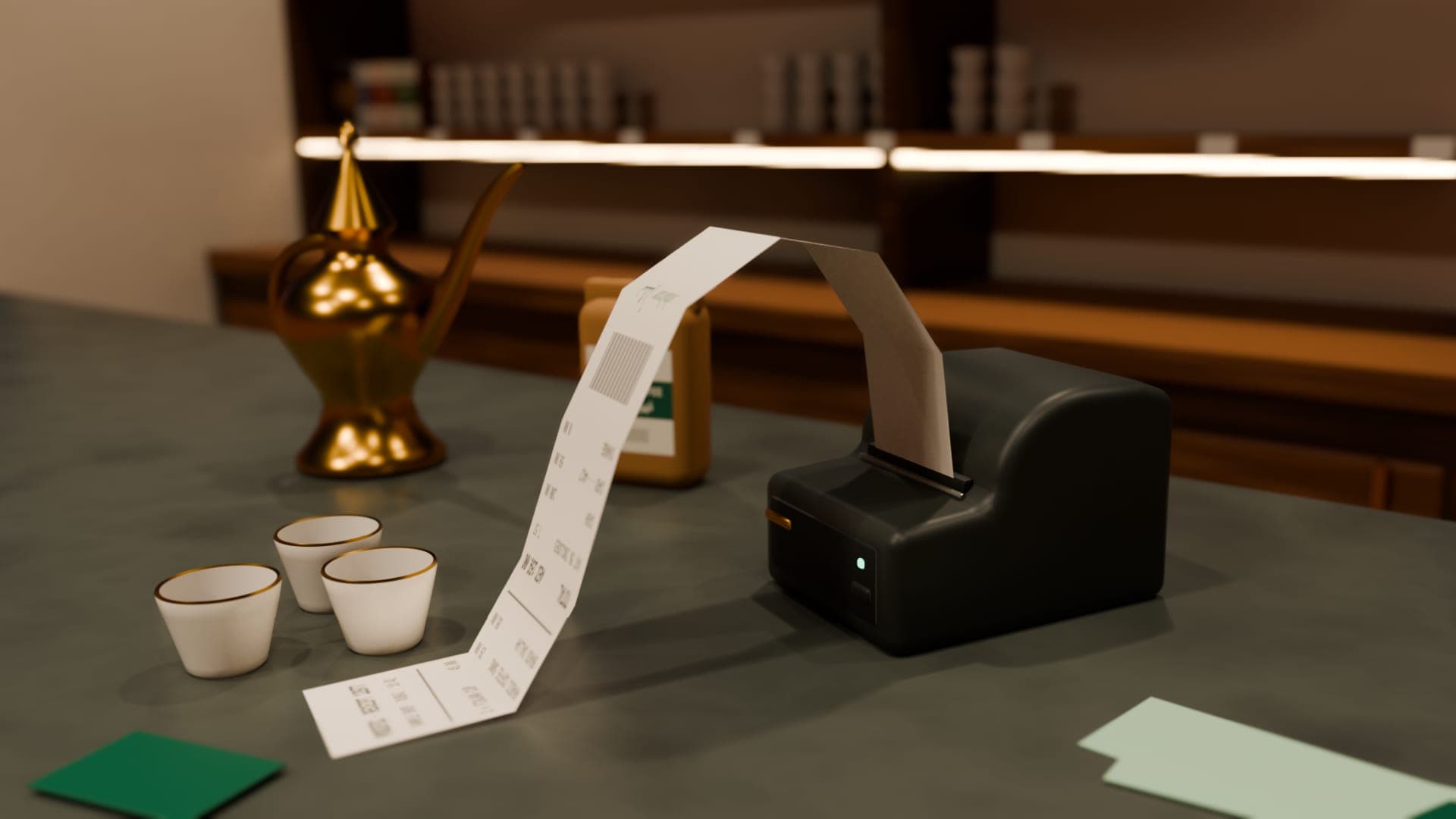
Posific runs in a browser and in its Windows app, so it works with the ordinary counter kit UAE shops already use: keyboard-style barcode scanners, receipt printers with Windows drivers, A4 printers and label sheets.

COUNTER KITWHAT PLUGS IN
  • SCANNER · USB / BT✓
  • RECEIPT PRINTER 80 MM✓
  • RECEIPT PRINTER 58 MM✓
  • A4 INVOICES & STATEMENTS✓
  • LABELS · A4 / 58 MM✓
  • CARD TERMINALYOUR BANK'S
  • CASH DRAWERVIA PRINTER

No special drivers from us

USB · BT
Keyboard-style scanners
80 · 58
Receipt widths in millimetres
A4
Tax invoices, quotations, statements
Code 128
Barcodes on your own labels

01 · Barcode scanners

Scanners that type like a keyboard.

Most handheld and counter scanners act like a keyboard: they type the barcode and press Enter. Posific's search box is always ready for that, so a scan becomes a basket line with no setup screens.

Test a new scanner in Notepad first: you should see the barcode digits followed by a new line. If your barcodes contain letters and Windows is set to an Arabic keyboard, switch the input to English for scanning.

  • USB plug-and-play scanners
  • Bluetooth scanners in keyboard mode
  • EAN-13, UPC and Code 128 barcodes
  • Scans go straight into the sale
Scanner set-up guide

02 · Receipt printers

Receipts at 80 mm or 58 mm.

In the Posific app for Windows, printing opens a proper preview. Choose any printer Windows knows about, pick A4, 80 mm or 58 mm paper and the number of copies, or save the exact page as a PDF. Your choice is remembered on that computer.

In the browser, receipts print through the browser's print dialog, and auto-print sends each receipt as soon as the sale completes once pop-ups are allowed for Posific.

  • Any printer with a Windows driver
  • A4 · 80 mm · 58 mm
  • Copies and PDF saving
  • Auto-print after each sale

03 · Labels

Shelf labels that scan.

Print shelf labels with the English and Arabic name, the price including VAT and a scannable barcode. Choose A4 sheets of 24 labels (70 × 37 mm), shelf strips of 14 (99 × 38 mm) or single 58 mm roll labels, and pick products whose price changed recently.

  • A4 3 × 8 and 2 × 7 sheets
  • 58 × 40 mm roll labels
  • English and Arabic names
  • Code 128 barcodes

04 · Terminals & drawers

Terminals and drawers, kept simple.

Keep the card terminal your bank gave you. Take the payment on the terminal, then record it at the till as Card for the same amount.

Cash drawers that plug into a receipt printer are usually opened by the printer itself. Many printer drivers have a setting to open the drawer when a receipt prints; check your printer's driver options.

  • Standalone bank terminals
  • Drawer kick via the printer driver
  • No proprietary hardware to buy

Honest print

Good to know.

No drivers from us

Posific doesn't install device drivers. If Windows can print to a printer, Posific can print to it too.

Integrated terminals come later

Card terminals aren't connected to the till yet, so the amount is keyed on the terminal and recorded at the till.

FAQ

Questions, answered.

Do I need a special POS computer?

No. Use any recent Windows PC or laptop for the Posific app, or a computer or tablet with an up-to-date browser for the web till.

Which receipt printer should I buy?

An 80 mm thermal receipt printer with a Windows driver is the usual choice for a counter. Make sure the driver supports the paper width you'll use, and connect it by USB or network as the manufacturer recommends.

Can Posific print barcode labels?

Yes. Print shelf labels with names in English and Arabic, the VAT-inclusive price and a Code 128 barcode, on A4 label sheets or a 58 mm label roll.

Will my cash drawer open automatically?

If the drawer connects to your receipt printer, the printer's driver can usually open it when a receipt prints. Look for a cash drawer setting in the driver's preferences.

Total · your day, done

Ring up your first sale today.

Creating an account is free. Set up your products and see a sale travel from the till to the books.