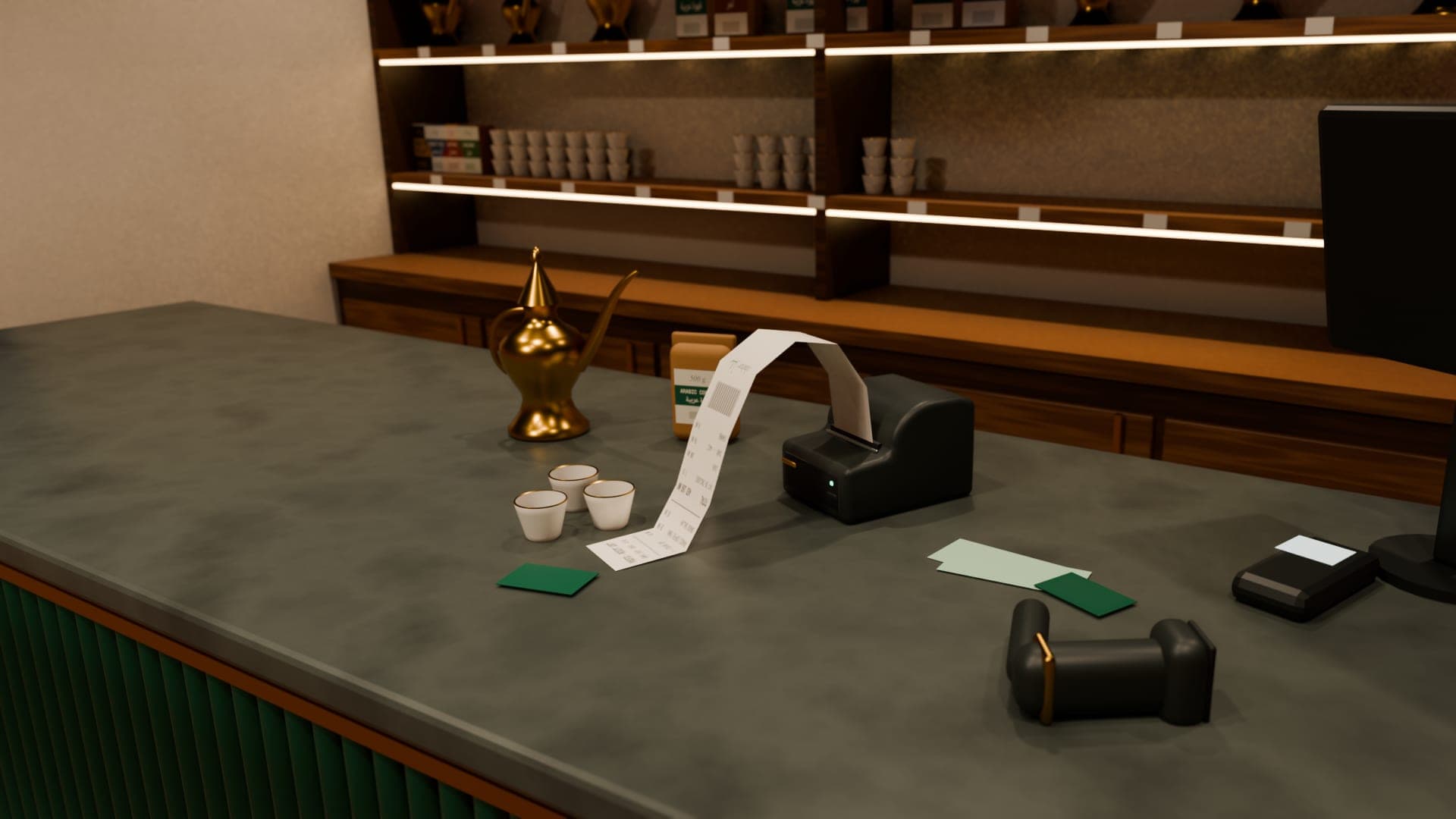
The three sizes
| Paper | Best for | Notes |
|---|---|---|
| 80 mm thermal | Everyday counter receipts | The standard counter width; room for item names, VAT and a footer |
| 58 mm thermal | Small counters, mobile printers | Narrower lines; long names wrap |
| A4 | Tax invoices for businesses, quotations, statements | Needs an office printer; easy to file and email as PDF |
About thermal paper
Thermal printers have no ink: heat darkens the paper. They're fast, quiet and cheap to run. The trade-off is that thermal prints fade with time, heat and sunlight, so treat the digital record as the permanent copy and keep customer-facing A4 documents for anything that must last.
Choosing a receipt printer
- A Windows driver that supports the paper width you'll use.
- An automatic cutter, which saves time on every sale.
- USB for one counter PC, or network if several counters share it.
- A drawer port, if you want the printer to open the cash drawer.
Cash drawers
Most counter cash drawers plug into the receipt printer rather than the computer. The printer's driver can usually be set to open the drawer when a receipt prints. Look for a cash drawer option in the driver's printing preferences.
When to print A4
- Business customers who reclaim VAT and need a full tax invoice.
- Quotations for larger jobs.
- Monthly customer statements.
- Anything the customer will file.